

Fluffy Drop
This feature allows you to share reminders and manage them together with friends, family, or colleagues.

To use Drops, you need an Apple ID account and available space in iCloud+.
Create your first "Drop"
Go to Calendar → Your profile → Fluffy Drop
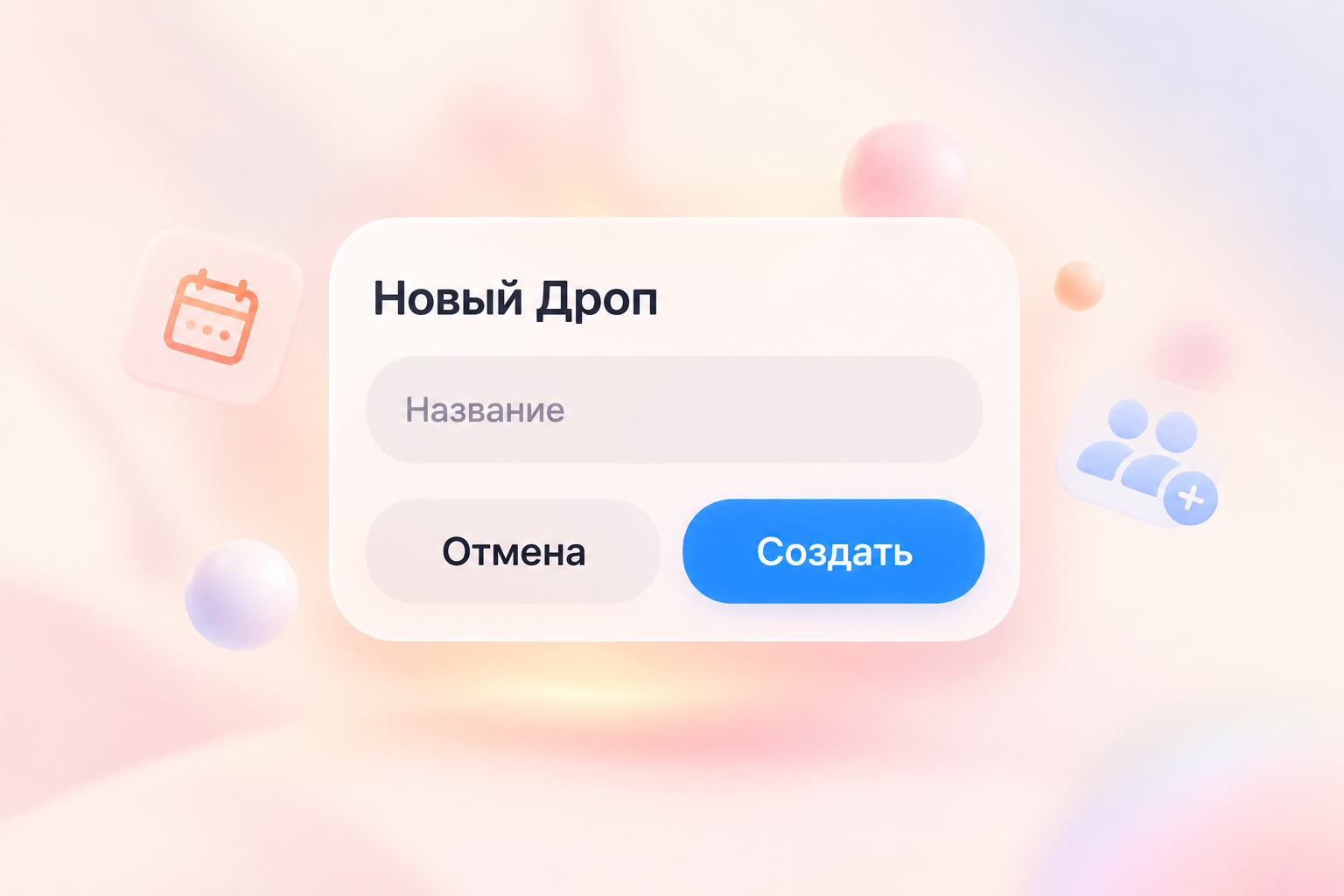
Give the Drop a name
and invite participants
Copy the share link and send it to the person
you want to share your Drop with.
you want to share your Drop with.
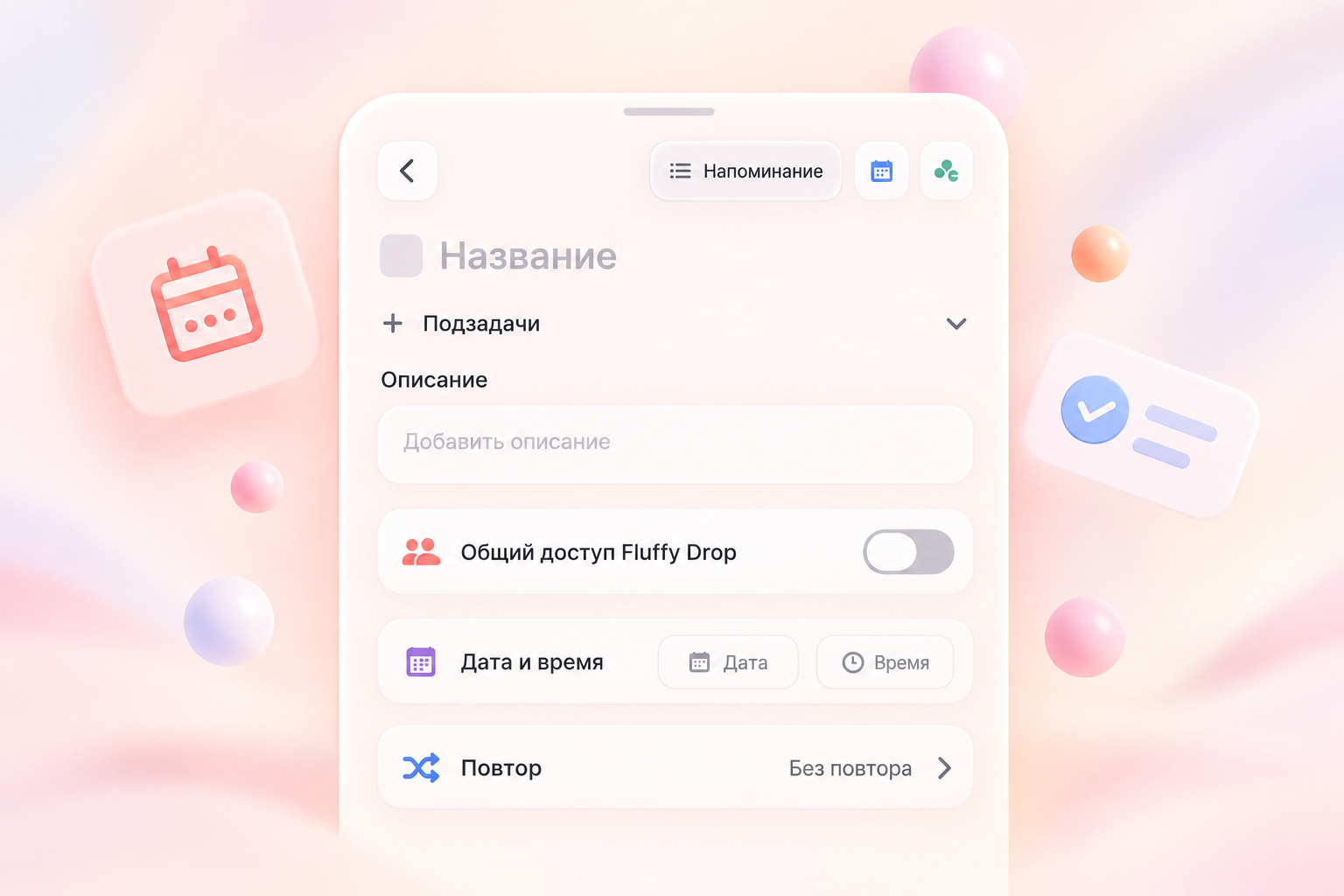
Add reminders
When creating a reminder, enable "Fluffy Drop Sharing" and select your list.
Answers to some questions:
This is a temporary connection issue. Please try again later. If the problem persists, contact support at fluffyapp.ru/suggestion
Make sure there is enough free space in iCloud+. At least 5 MB is required to use Drops. Once you have freed up some space, try again.
The creator may have changed the link, or it might have been updated. Ask the creator to send the link again, or create a new Drop.
Protecting your data and ensuring its confidentiality is our top priority. Please review the Fluffy app’s privacy policy.
